
Updating bank account information
Step by step guide to updating bank account information:
Bank account details are used by your billing contact to pay you for your games in efficialtec.
1. Navigate to my account in the top right-hand of the screen
Bank account details are used by your billing contact to pay you for your games in efficialtec. 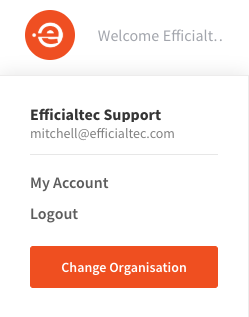
2. Click Edit Bank Records

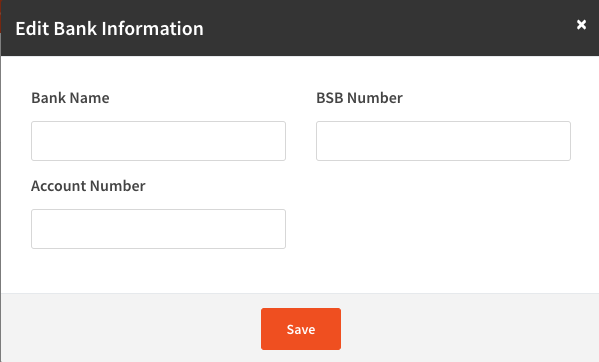
3. Type in your details, and press save
Bank name (the name listed on the bank account)
BSB Number (Bank, State, Branch - 6 digits - enter without spaces or characters)
Account Number (Enter without spaces or characters)
4. Success
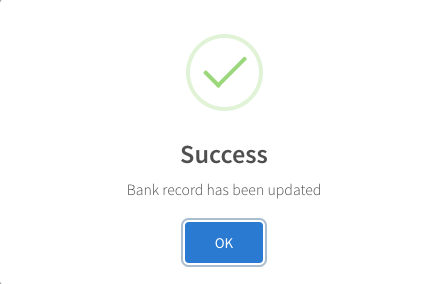
Your details will now be updated, and allow your organisation to make payment to you.