
Completing a Performance Report
This guide walks you through how to submit a performance report on the officials
1. In games, click view of the game you wish to submit a performance report for
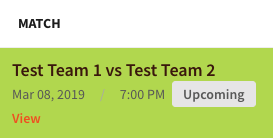
2. Click Performance Report

3. Complete your feedback
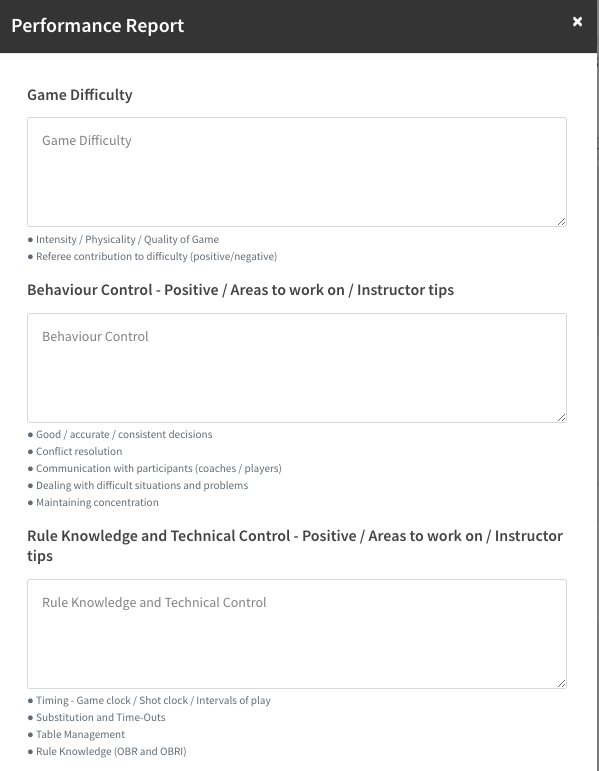
4. Press Submit Form

Your Performance Report is now completed. An email will be sent to the allocator, and the officials on the game to view the performance report.
Officials can view Performance Reports through their view screen.
A coach can only submit a Performance Report if they have been allocated to a coaching role in the pattern.