
Completing a Travel Claim
This guide walks you through how to submit a travel claim for payment
1. In games, click view of the game you wish to submit a performance report for

2. Click Travel Claim

3. Complete your Travel Claim
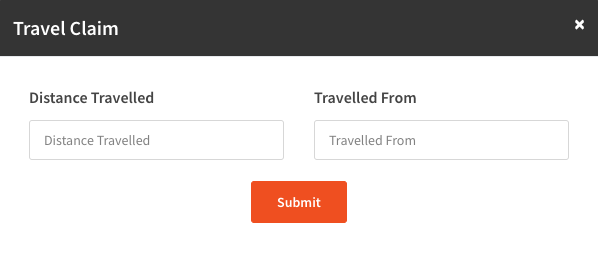
4. Press Submit

Your travel claim will the be passed to your Billing User to review, they will approve or decline your claim and then process if approved with their own processes.